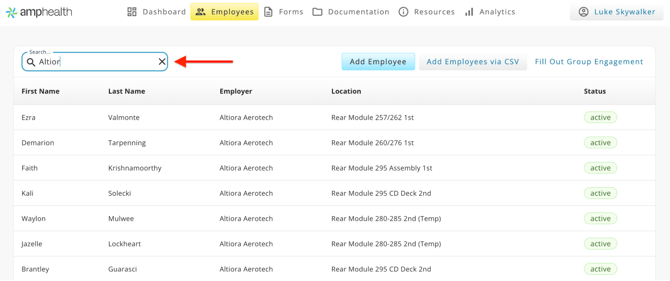
The Employees tab displays the full roster of employees under a provider's purview. As a Site Administrator you will see all employees in the organization. As a Provider you will see only employees that work for locations to which you have been assigned.
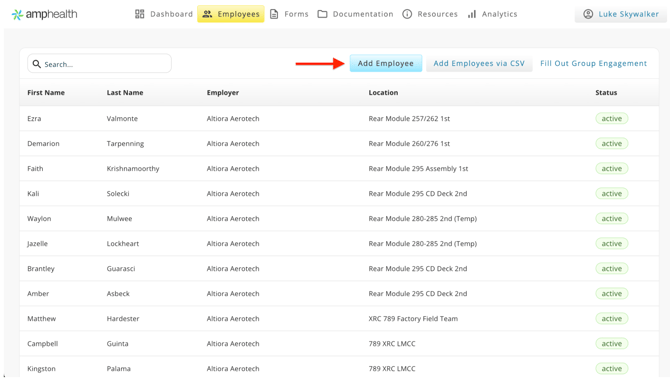
From the Employee tab you can easily add an individual employee via the Employee Editor, or a group of employees via the CSV uploader. Please see the Add Employees in Bulk knowledge article.
To navigate to an individual Employee Profile, use the Search bar to quickly filter the employee roster. Start typing an employee's name, employer, or work location and the table will automatically filter by that search term. Click on the individual employee you would like to view.